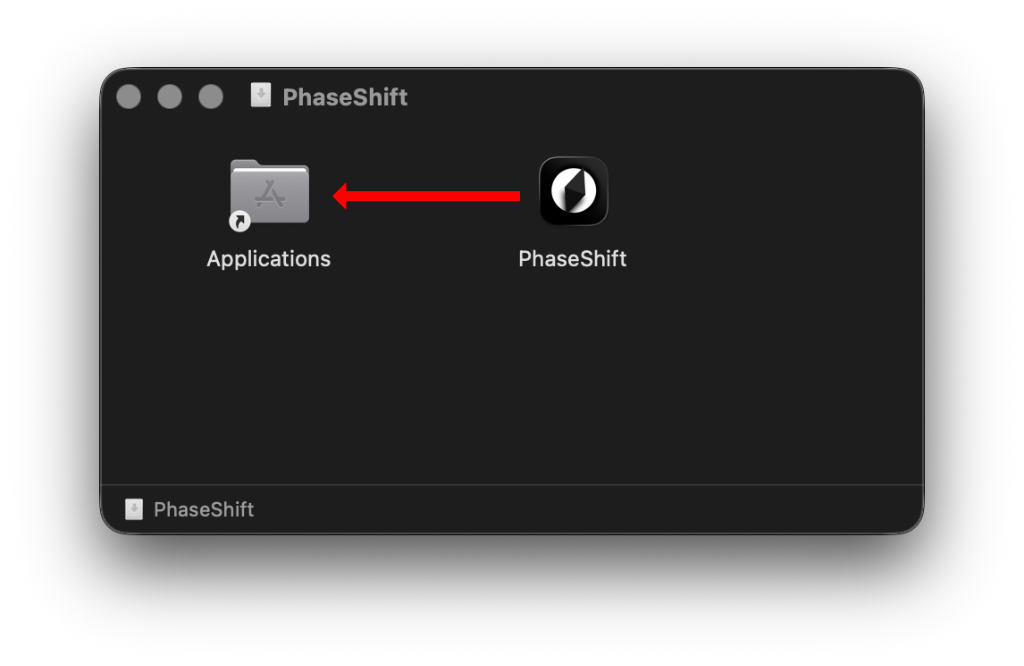
1. Unzip & Move PhaseShift to Applications Folder
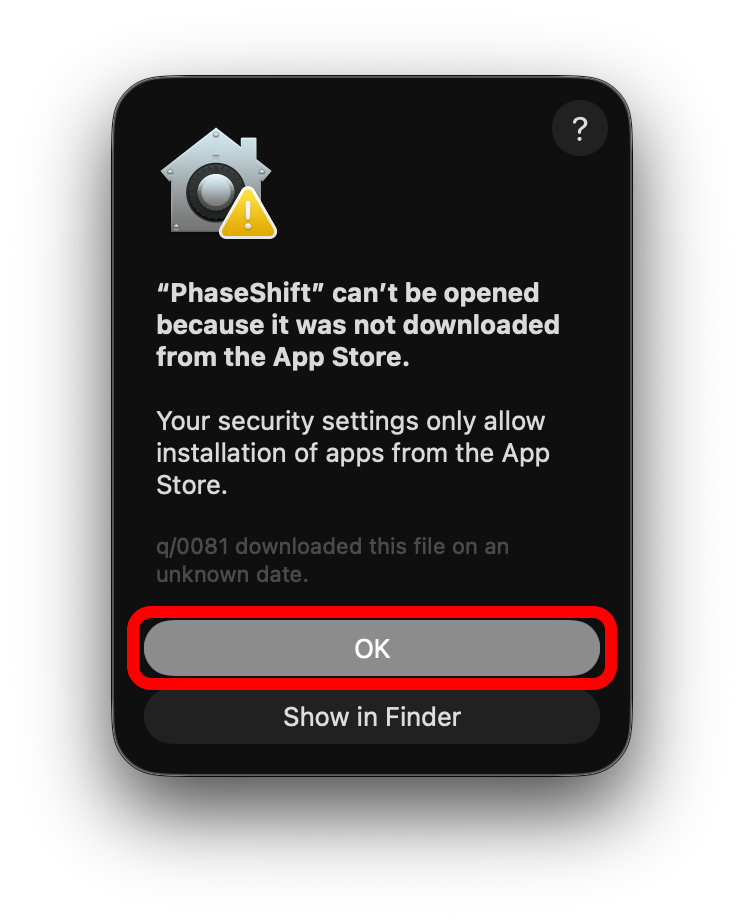
2. Open and click "OK"
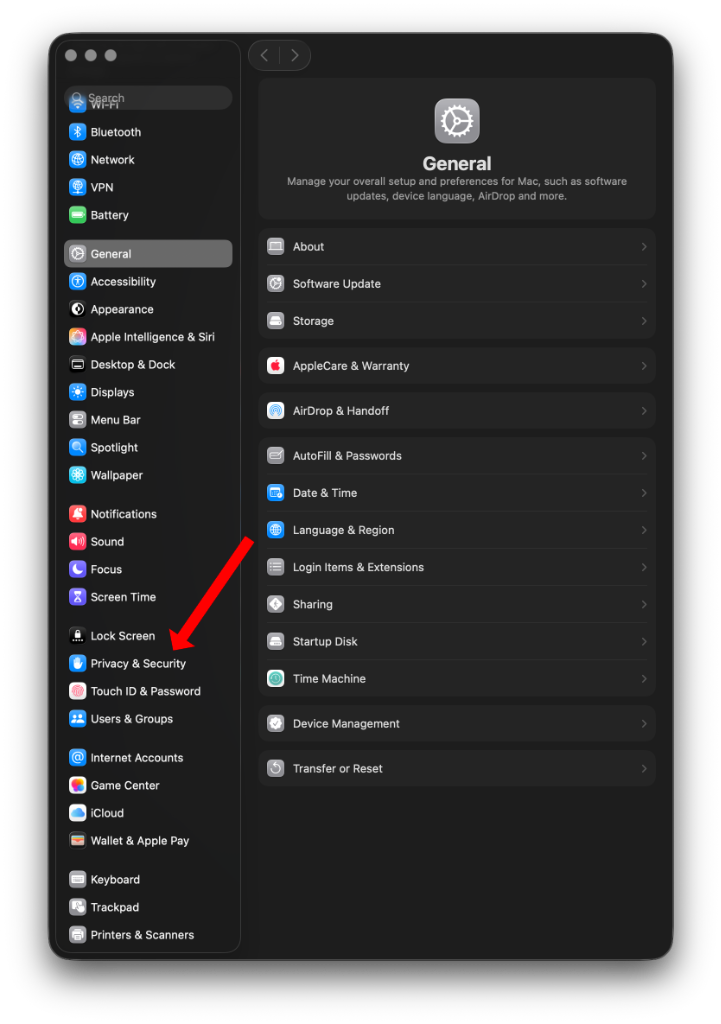
3. Go to Settings > Security & Privacy
4. Scroll Down and click "Open Anyway"

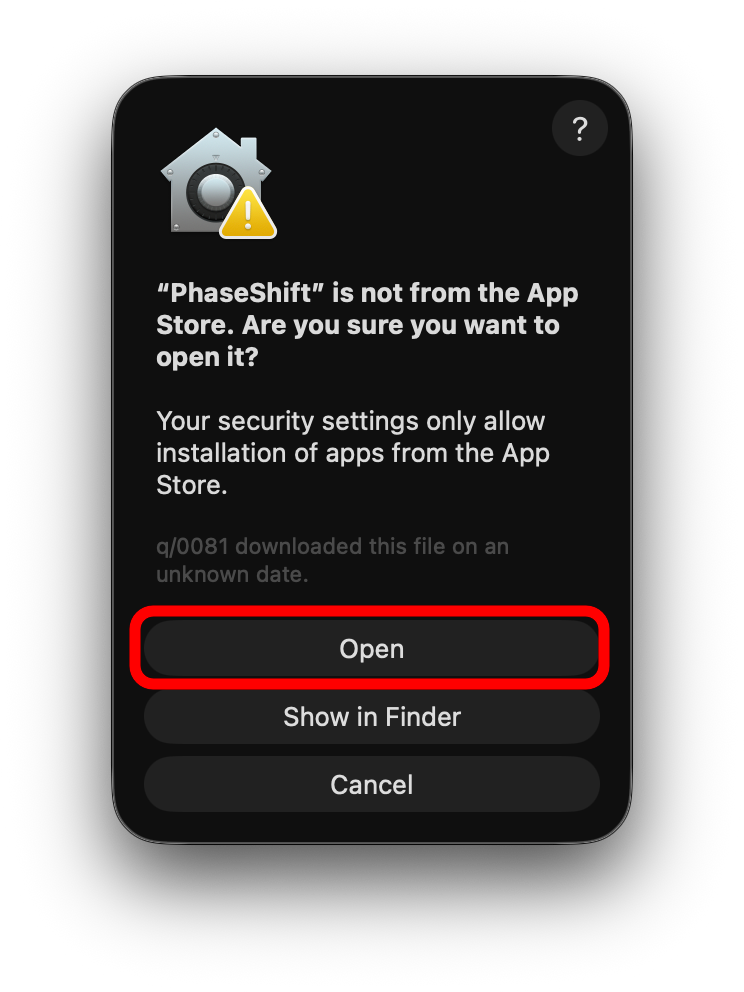
5. Open PhaseShift again and click "OPEN"
Bypassing macOS security for indie apps in 5 steps.